Poster Mock Up · Oct 29-31
This project is about how graphic designers think. Start with a quick mockup (Oct 27–28). Take a photo of your mockup when completed.
Make
This project is about how graphic designers think. Start with a quick mockup (Oct 27–28). Take a photo of your mockup when completed.
Make
Now create your Illustrator document based on the quiz.
Quiz 1 →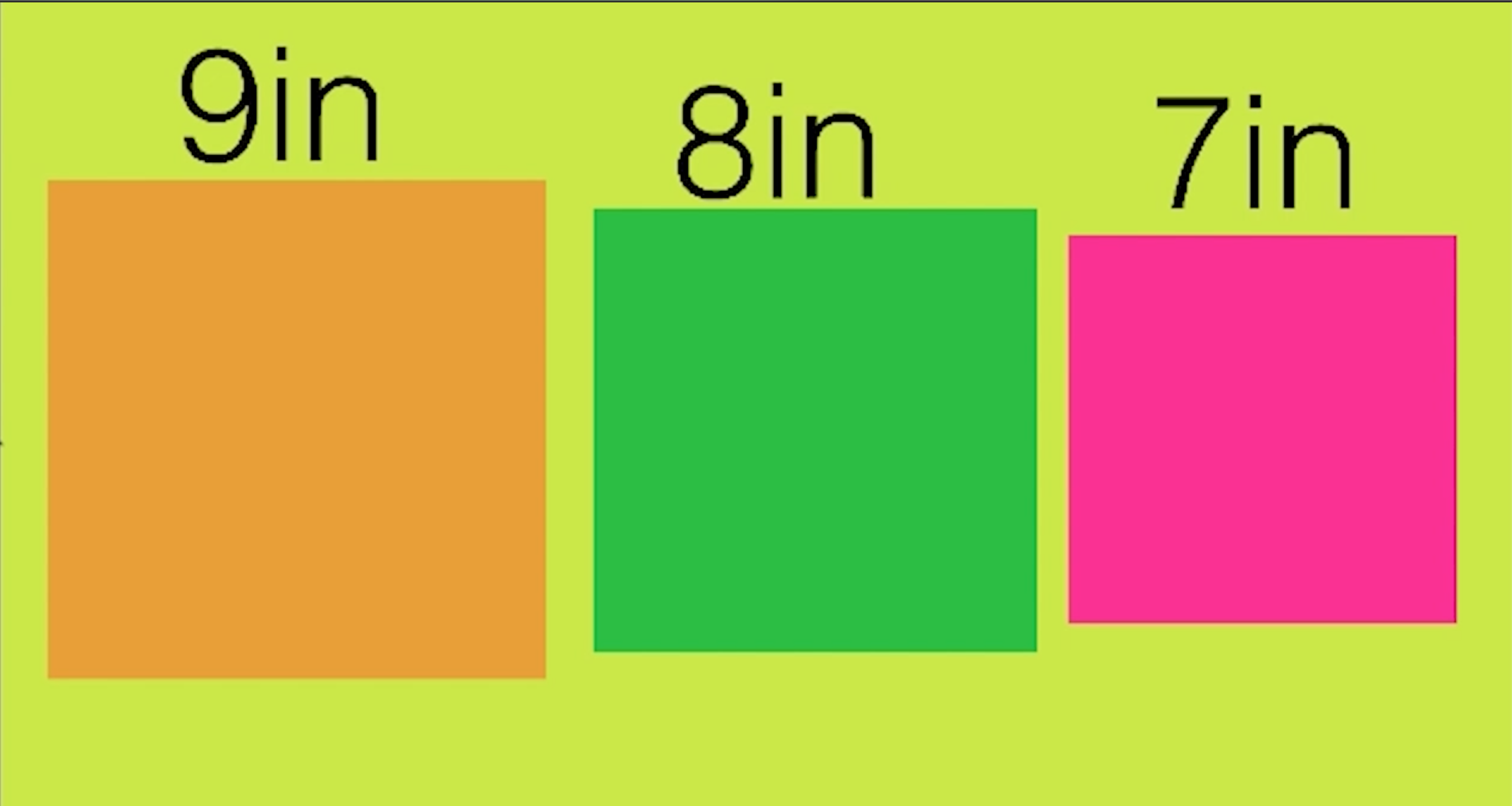
Create the graphic squares using your rapid prototype.
Watch & Do →
Check your working knowledge of the essential tools.
Quiz 2 →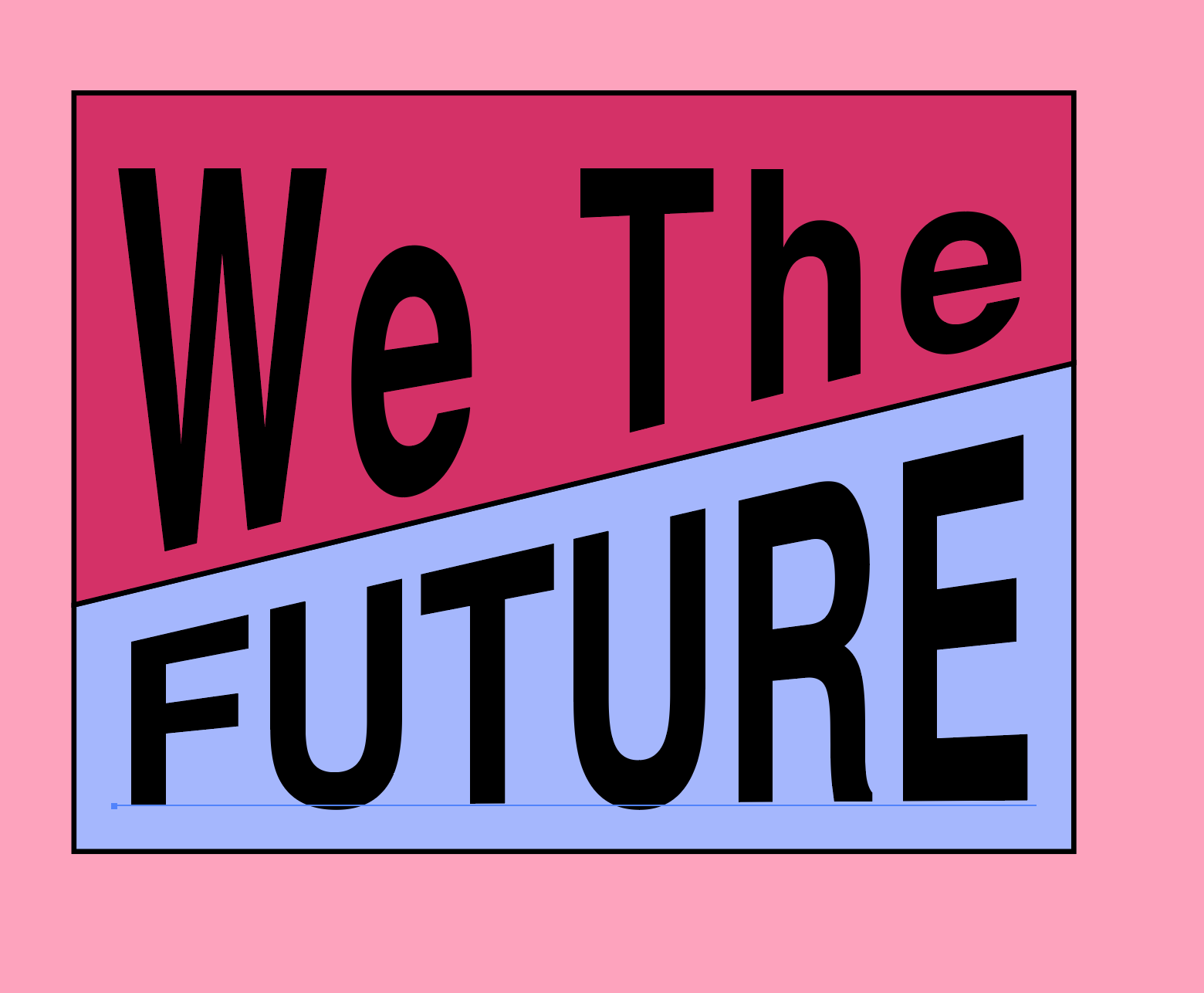
Learn how to create the pennant from your rapid prototype.
Watch & Do →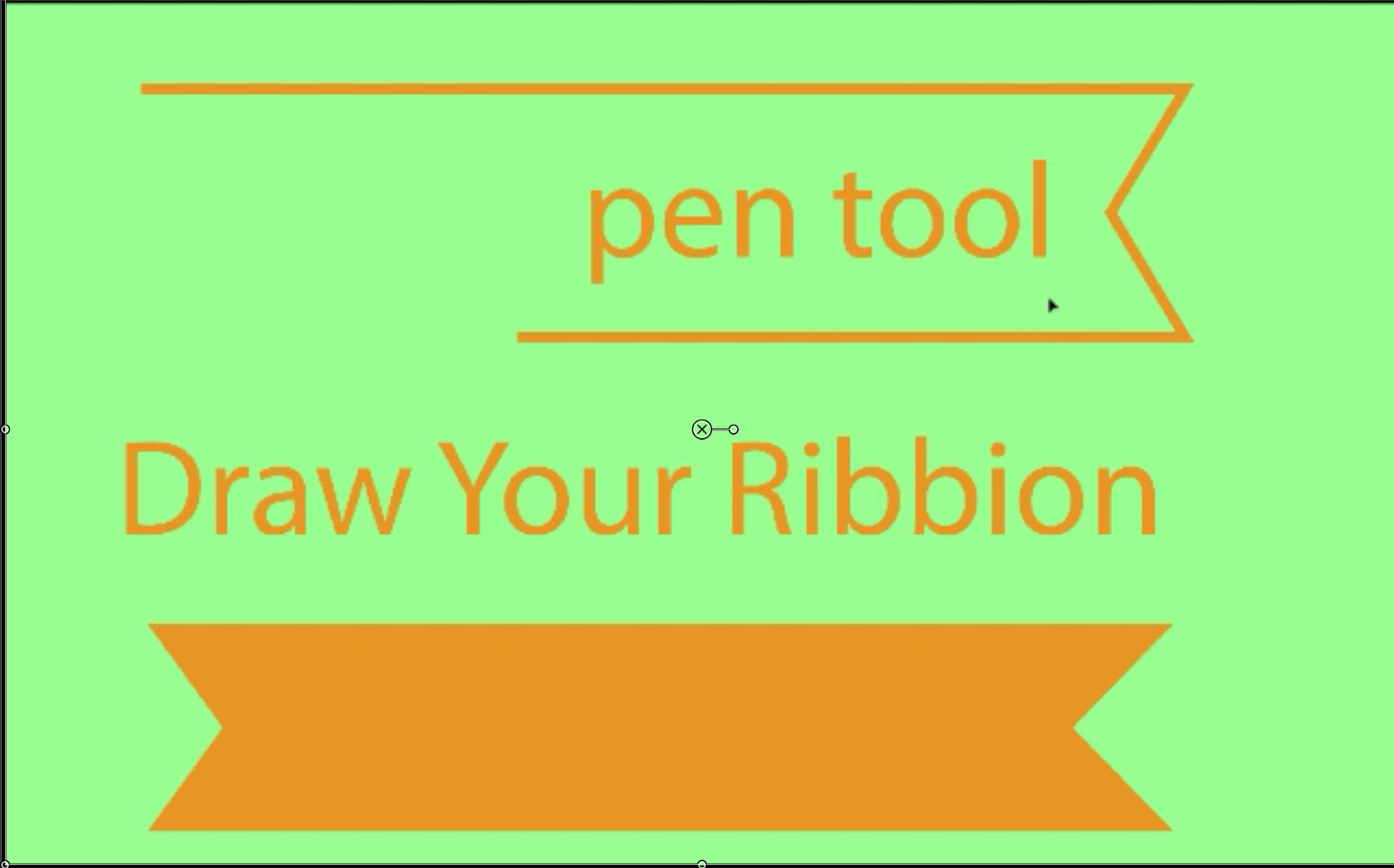
Use the Pen tool to construct a clean ribbon shape.
Watch & Do →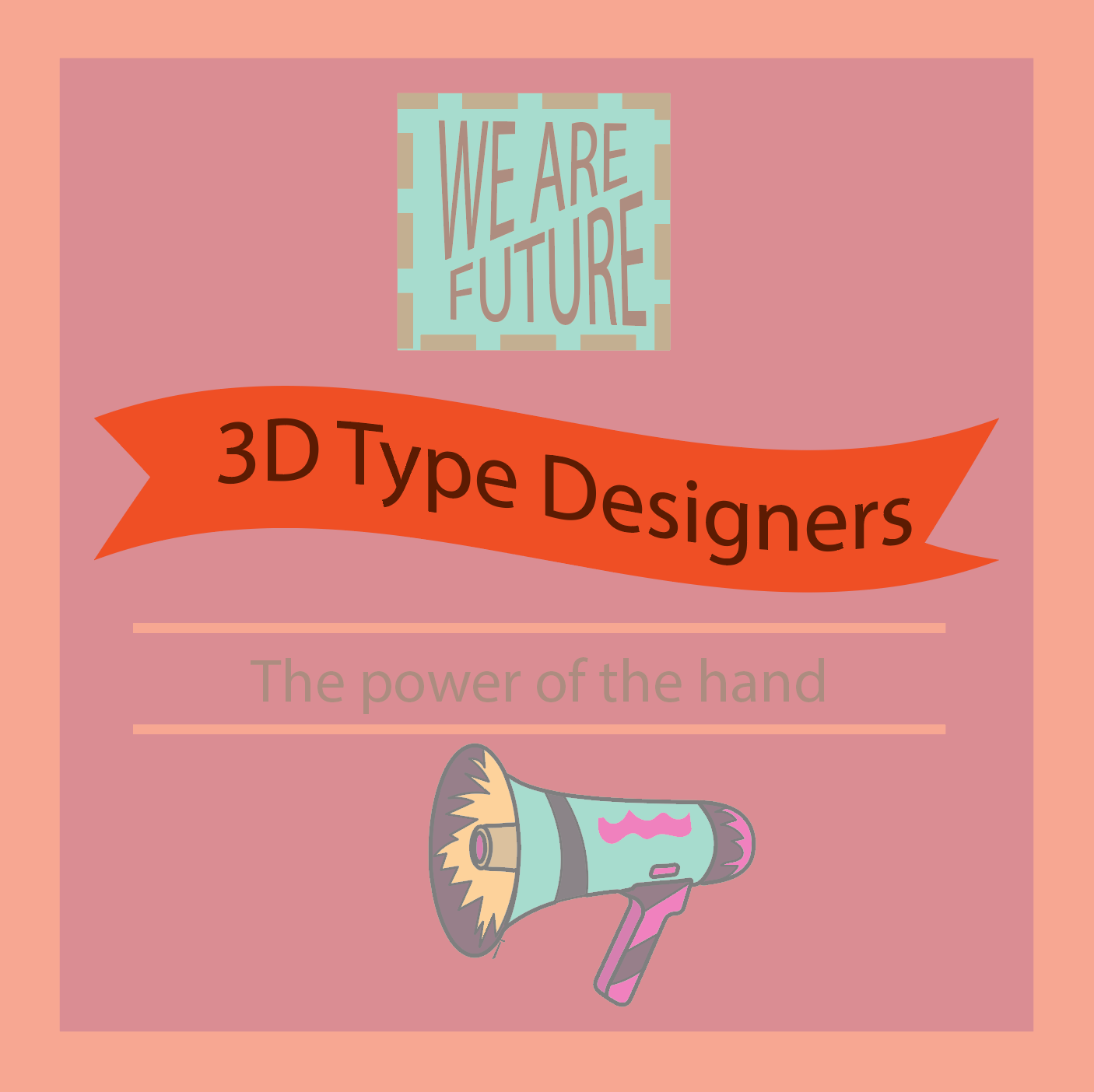
Choose your typeface and typeset your career line.
Watch & Do →
Do you know your typeface?
Quiz 3 →Add your graphic arros
Watch and Do →

Use your @studio circles as a template for a graphic element.
Watch & Do →
Combine your poster with your circles. Don’t forget to add yourself. Video · MockUp.psd
Mock-Up Download